


Hello. This is Ochiai, the designer.
In this blog post, I'd like to show you how to post 360-degree photos on your blog.
First of all, take a look at this.
Kobari Shrine – Spherical Image – RICOH THETA
This was taken at Kobari Shrine in Kakegawa.
When you post a 360-degree photo on your blog, you can move the image around freely like this and change your viewpoint.
So let's get right into how to post them — though this method only applies to Ricoh's THETA cameras.
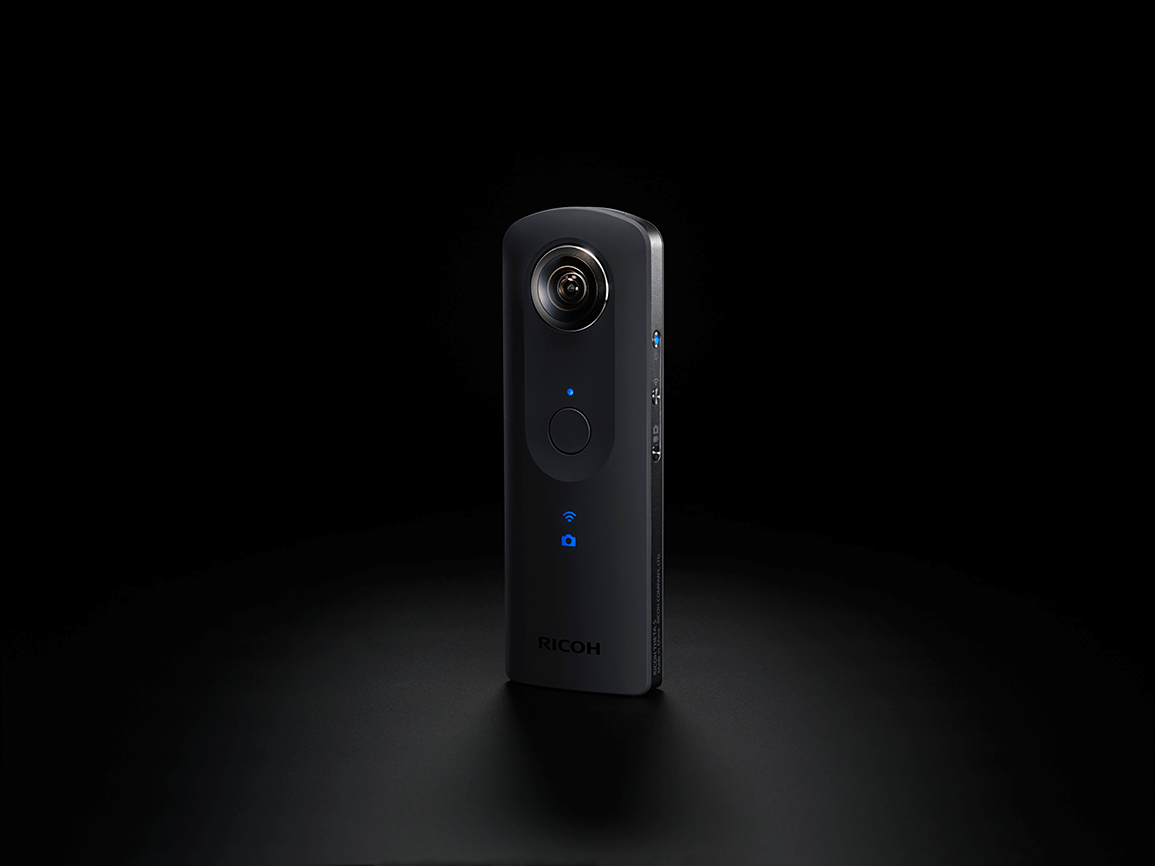
What you'll need is a Ricoh 360-degree camera and the dedicated desktop application.

You can install this app from Ricoh's official website.
To post to your blog, you need to generate an HTML code, and you can do that with the Ricoh application as well.
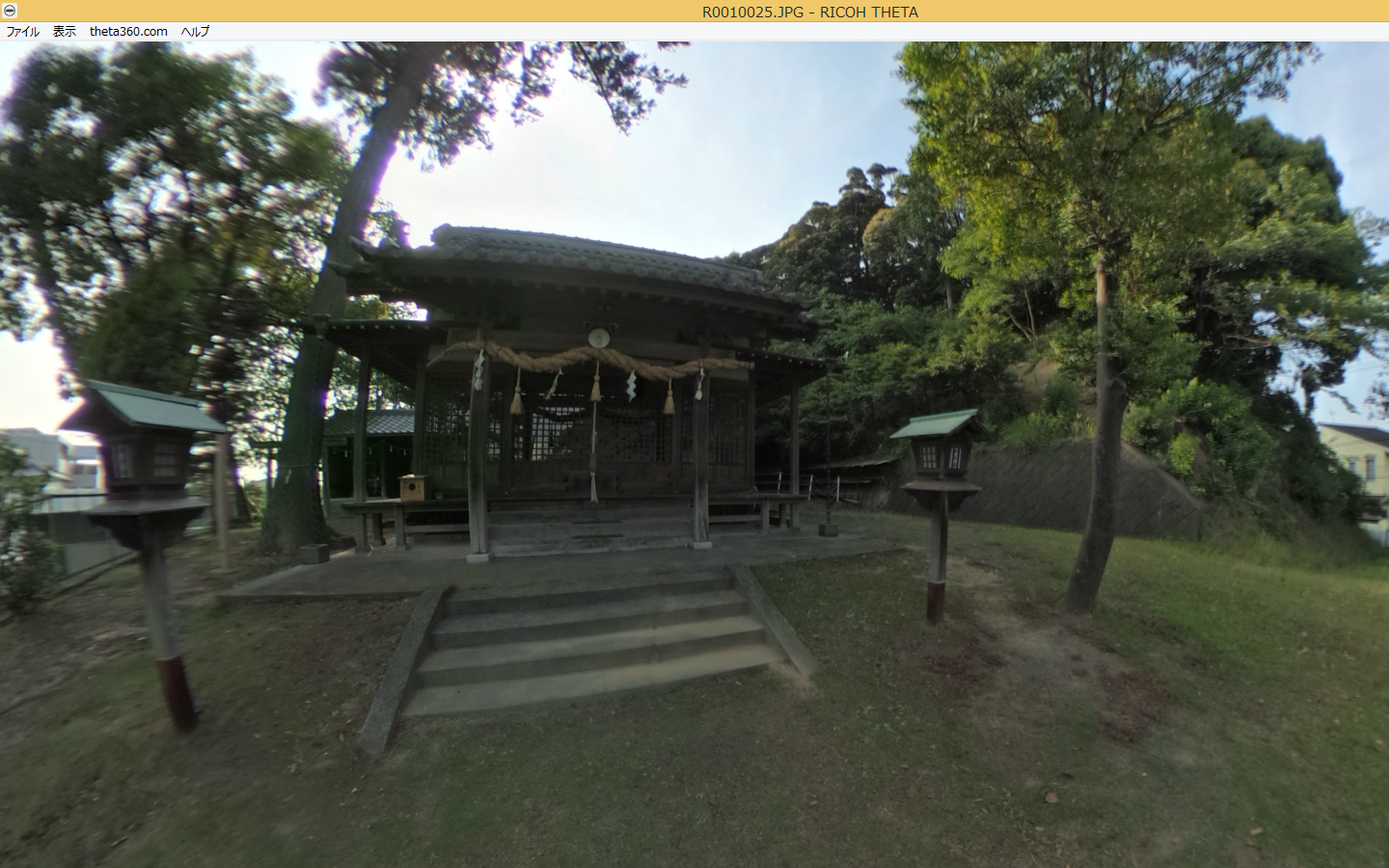
Open the photo you shot in the app, then log in with your Facebook or Twitter account from the "theta360.com" menu.
Then select Post (share to social media).
A URL will then appear, as shown in the image.
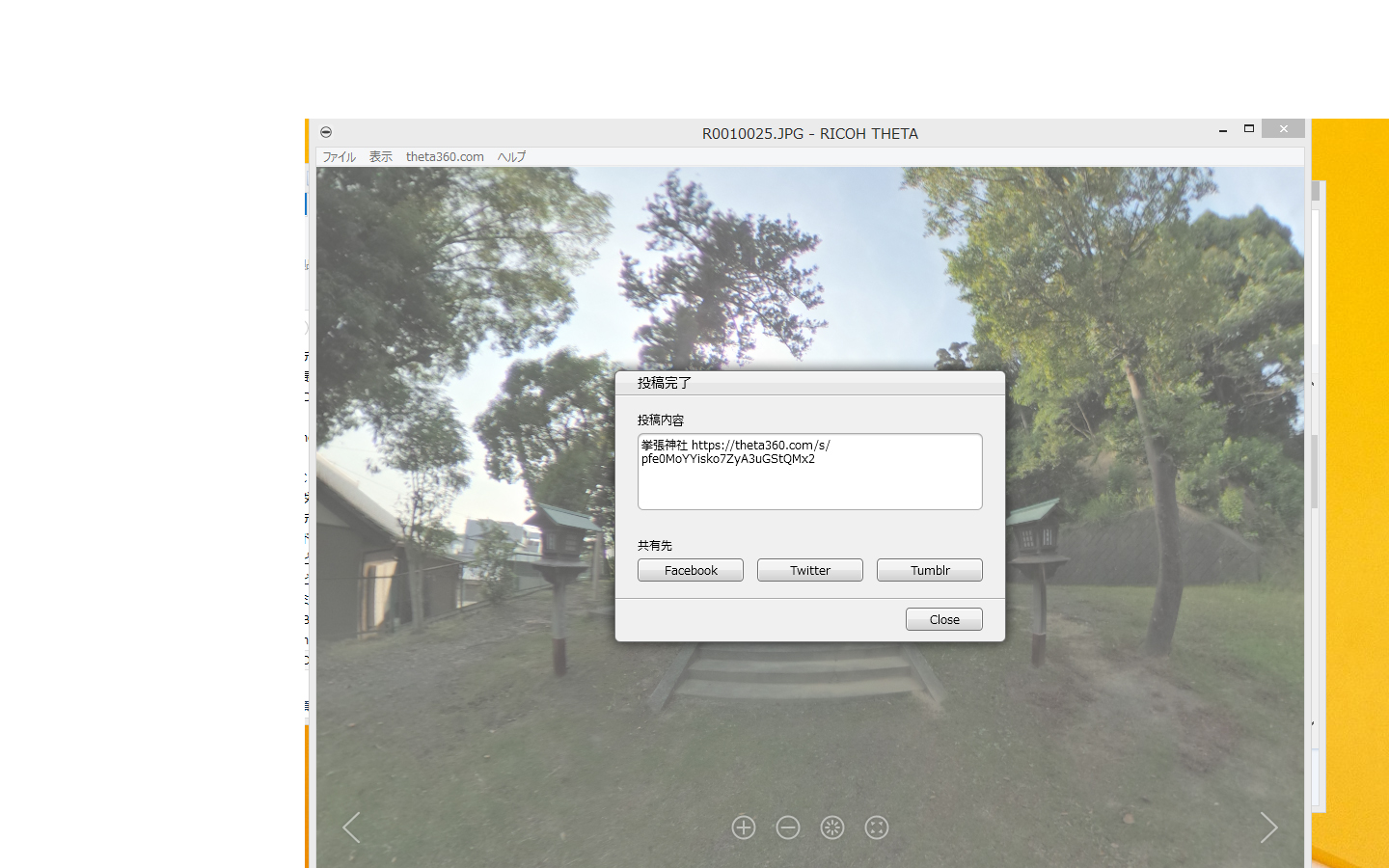
This has been uploaded to Ricoh's site, but you still can't post it to your blog yet.
By the way, if you choose limited publication here, only people who know the URL will be able to view it, so if there are photos you don't want to share outside your blog, choosing limited publication is a good idea.
Next, go to Ricoh's official website and log in again.
Official site → https://theta360.com/ja/
The photos you uploaded to Ricoh's site via the application will be displayed, so select the photo you want to post on your blog.
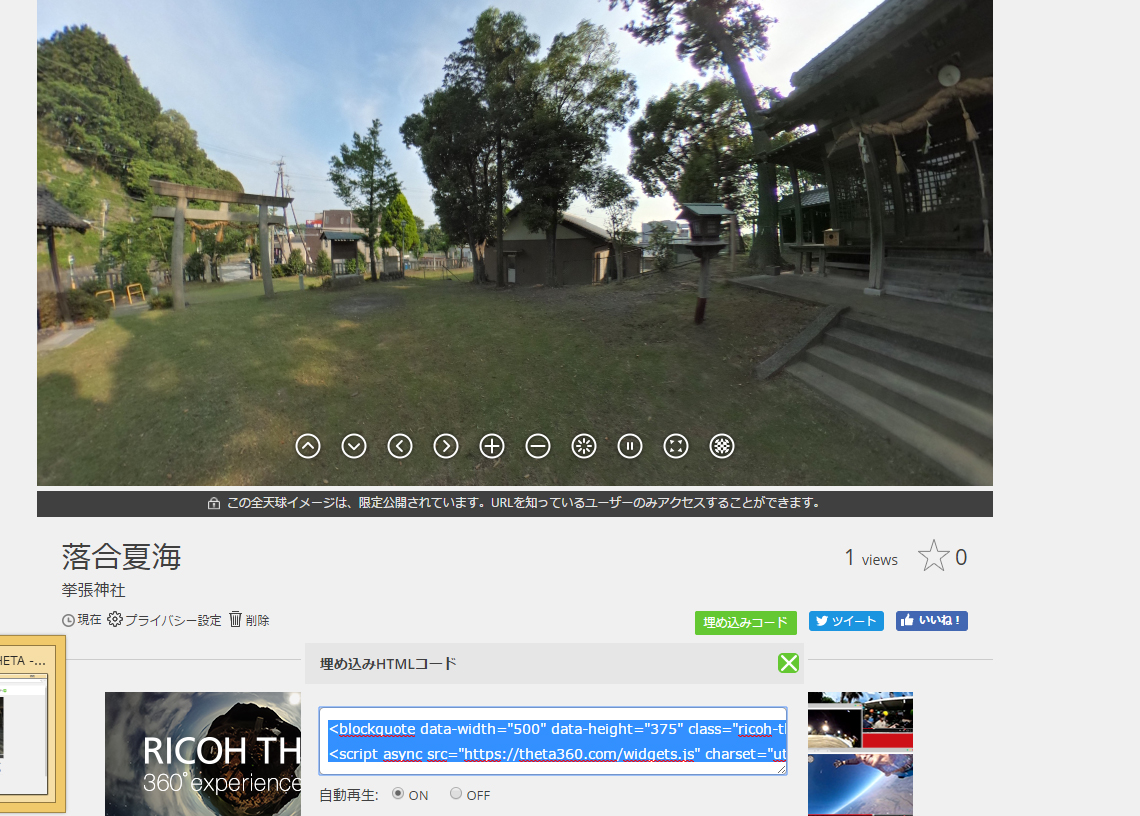
When you select the embed code, an HTML code will be generated, so copy it and paste it into your blog.
When writing a blog post in WordPress, switch from Visual mode to Text before pasting the HTML code.
And that's it — the photo is now posted on your blog.
If you don't use this method
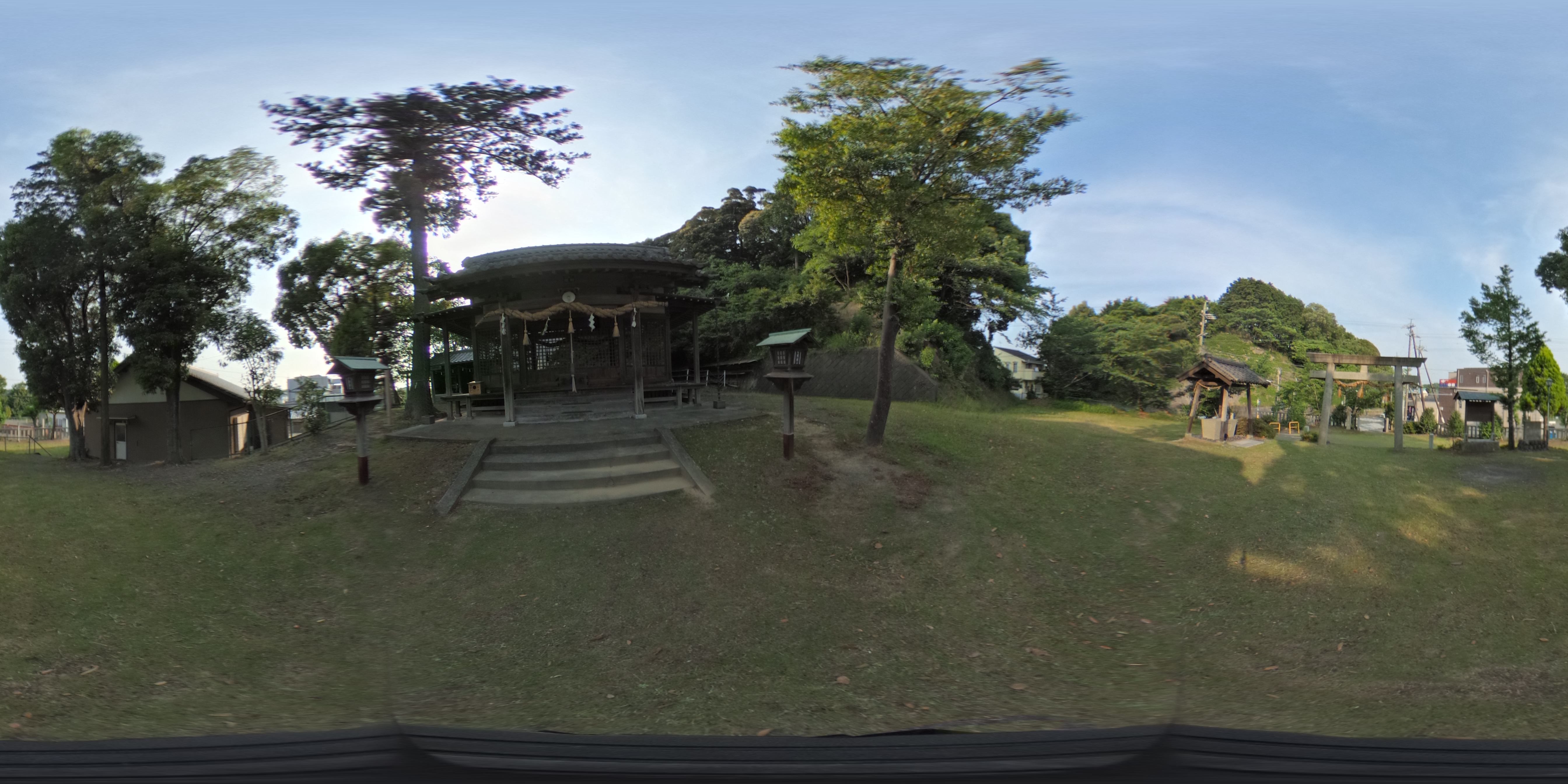
It will end up being displayed like this.
The room is a bit of a mess (lol), but this is a look inside Merci.
Post from RICOH THETA. – Spherical Image – RICOH THETA
A few of the Merci staff look rather curious about it… (lol) Shooting indoors like this is a lot of fun too. It's especially recommended for beautiful locations!
There are quite a few steps involved, but why not try making use of 360-degree photos on your blog? (^^♪
Merci has cameras too, so feel free to get in touch!


