


Hello, and a Happy New Year.
This is Ochiai, a designer who has been excited about the new features in Illustrator and Photoshop lately.
This time I'd like to introduce Illustrator's new Puppet Warp tool.
It's easy to use!
Select the object made of paths that you want to transform.
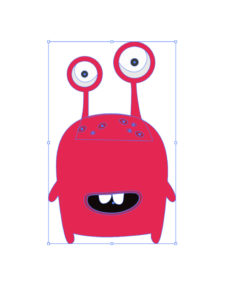
Then, with it selected, choose the Puppet Warp tool.
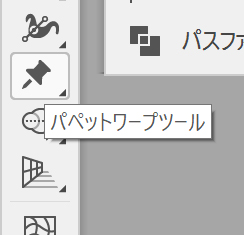
Next, add pins (the positions to be fixed in place).
Think of it as placing them at the joints.
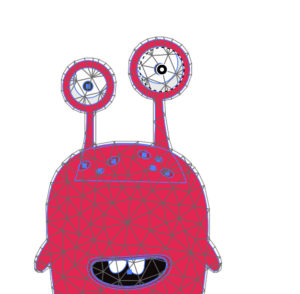
Tapping away gets you to a state like this…
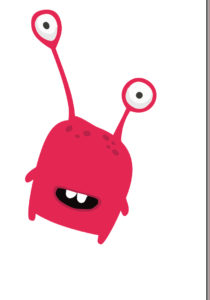
You can rotate, transform and reshape it completely freely.
I've been waiting for a transform tool with this much freedom!
That was our introduction to the Puppet Warp tool!


