









There are three ways to make a website multilingual: leaving it to the visitor's browser, machine translation with a translation plugin, and creating pages for each language. If you want people overseas to find you through search, you need pages for each language. Rather than publishing machine translation as-is, having a person review it at least once is important for both quality and search.
There are three ways to go multilingual
Ways to make a website multilingual fall into three types, differing in effort and effectiveness.
| Method | Details | Can people find it through search? | How to think about cost |
|---|---|---|---|
| Leave it to the browser's translation feature | Visitors translate the page in their own browser | No. Only the Japanese pages appear in search | No cost |
| Machine translation with a translation plugin | Add a component to the site to automatically generate pages for each language | Pages are created for each language and can appear in search | Cost of the component plus setup work |
| Build out pages for each language | A person reviews the translated text and tailors the content for each language | Yes, and quality can be kept high | Determined by the volume of translation and review work |
If your goal is to attract customers from overseas, you need the second or third option. The first is only useful for letting people who already know your company read your site.
How far machine translation can take you
Machine translation can convert text into another language in a short time. Translation that gets the meaning across is practical in many situations. Here is what it handles well and what it struggles with.
What it handles well
- Factual text such as product and service descriptions
- Information such as address, business hours and prices
- Converting large volumes of long text in a short time
What it struggles with
- Company-specific phrasing and industry terms, which may be rendered with the wrong meaning
- Japanese honorifics and indirect expressions
- Spelling of proper nouns (product names, personal names, place names)
- Text that demands accuracy, such as legal or contractual wording
If a person checks that the meaning comes across, machine translation becomes a way to go multilingual while keeping costs down.
Why a person should review it before publishing
In its search spam policies, Google cites publishing text that has merely been run through an automated tool without human review or editing as an example of spam. Putting large volumes of machine-translated text straight into search can lower your rating.
Aside from search rankings, there is also an issue for readers. Translations that do not make sense or sound unnatural reduce trust in your company. For people overseas, your website is their first impression of your business.
Review priorities are as follows.
- The top page and service descriptions
- Pricing, booking and contact information
- Company profile and directions
- Articles and news
Of these, items 1 and 2 should be checked by a person. For item 4, you may choose to publish the machine translation as-is.
Steps for going multilingual
- Decide on the target languages. Use the countries that contact you, and the countries you want to reach, as your guide. Starting with one language is realistic.
- Decide which pages to translate. It does not have to be every page; you can start with three: the top page, services and contact.
- Create a draft translation with machine translation
- Have a person review it, correcting mistranslated terms and the spelling of proper nouns
- Add settings that correctly communicate your language-specific pages to search engines. A setting called hreflang tells search engines which page is in which language.
- After publishing, check how each language version is being viewed
Settings that help people find you in search
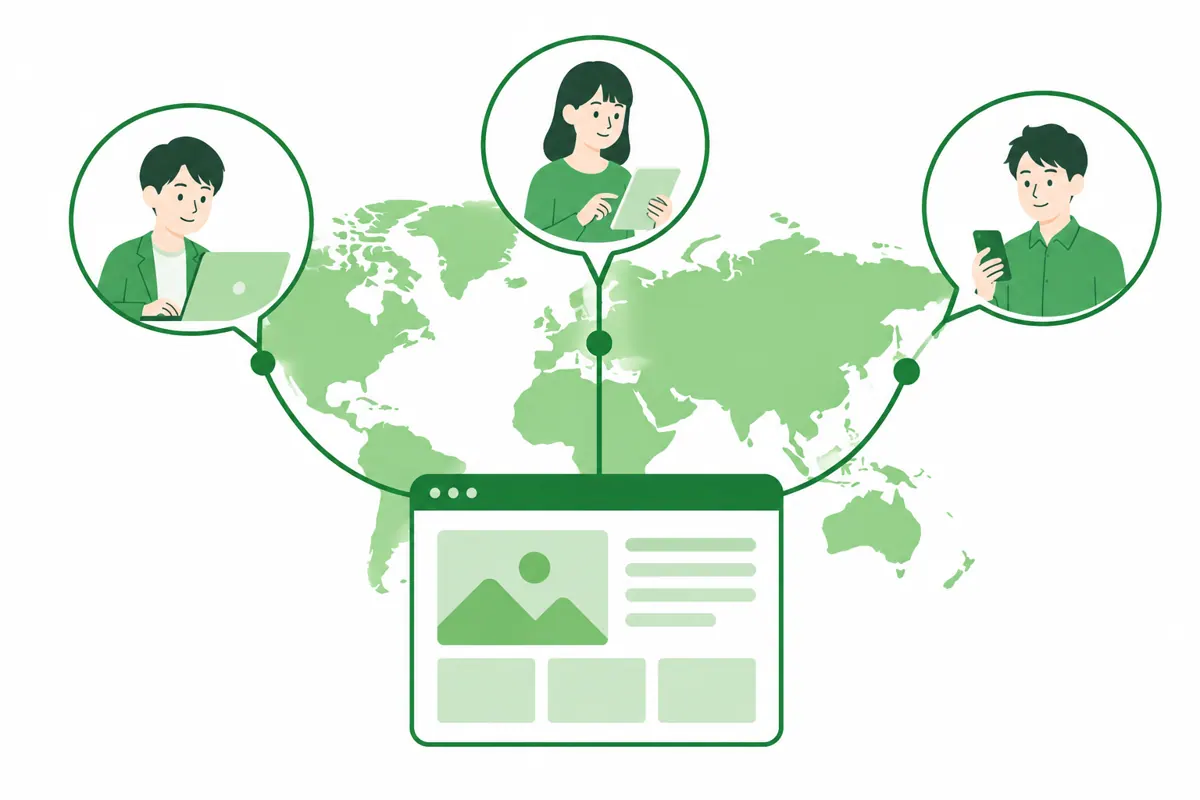
There are three essential settings for a multilingual website to appear correctly in search.
- Have a separate URL for each language. For example, Japanese uses the original address, while English uses a separate address with a language marker added to the end of the original.
- Use hreflang so that pages with the same content in different languages reference each other
- Do not switch languages automatically; place a button so visitors can choose
Avoid building the site so the language switches automatically based on the visitor's region, because search engines will not be able to crawl every language version.
How the cost is determined
The cost of going multilingual is determined by the following factors.
- The number of languages
- The number of pages and characters to be translated
- The scope of human review
- The work of installing the translation system
- Whether new pages added after launch will also be translated
The price varies with the features and scope you include. The surest approach is to request quotes from several companies under the same conditions and compare them in three parts: translation, review and setup.
Merci Ltd. supports machine translation into English and other languages. We provide flexible quotes based on the features you want to include.
Common mistakes when going multilingual
Translating Japanese pages as-is, leaving content that does not suit overseas readers
Explanations that assume Japanese customs do not get through even when translated directly. What visitors from overseas want to know differs by country. Add the information needed in the target country, such as directions, payment methods and the booking process.
Translation cannot keep up with every update
There are cases where the Japanese page is updated but the other language versions remain outdated. Set up a system that automatically creates a draft translation with each update, and designate someone to review it.
Booking and contact screens left in Japanese
Even if your website is multilingual, visitors will drop off partway if the booking form or contact screen is still in Japanese. Align not only the pages but also the parts that prompt action into the same language.
Start with one language and three pages
You can begin going multilingual without translating every page at once. Choose one language, such as English, publish three pages (the top page, service descriptions and contact), and expand based on the response.
Measure the response by page views for each language version and the number of inquiries from overseas. When the numbers move, add more pages and languages. If they do not, review the translated content and how it is communicated to search engines. Starting small keeps both the cost and the review effort small.

Guidelines for choosing a language
You will make fewer mistakes if you choose your first language based not on “the countries you want to reach” but on “the countries that have actually contacted you or whose visitors come to your store.”
- Look through your inquiry history and count how many came in languages other than Japanese
- Check reviews on booking sites and map services to see which languages appear most often
- Use analytics to identify which countries generate the most overseas visits
If you have little of this data, starting with English is the common choice, since English is often read by people who are not native speakers. However, for stores and facilities that mainly serve tourists from a particular country, prioritizing that country's language can be more effective.
Ways to lighten the review workload
The wider the scope of human review, the more it costs in money and time. The following measures can reduce the review burden.
- Create a glossary of proper nouns first. Compile the spellings of product names, menu names and place names on a single sheet and register them in your translation system.
- Prioritize reviewing the parts that lead to action (pricing, booking, directions)
- Write the Japanese text short and without omitting subjects. This improves the accuracy of machine translation.
- Assign the review to someone who understands the language. If no one in-house can do it, request an external review.
The third point in particular is the most effective measure you can take at the drafting stage, because ambiguous Japanese breaks down in any translation system.
Examples of varying the information by country and language
Simply translating the same Japanese draft leaves out what overseas readers want to know. Add information like the following for each language.
- Payment methods. Cash only, or are credit cards and electronic payments accepted?
- How to book. Offer booking by form or message for those who find phone calls difficult.
- Open days and closed days. Also state how Japanese public holidays are handled.
- What to bring and advance notes, such as how dietary restrictions are handled and other points that often cause trouble on the spot
- Directions. Explain how to get there from the nearest station or bus stop, with a map.
These may be obvious to Japanese customers, but they are the most essential information for someone visiting from overseas for the first time. Drawing up a list of missing information at the drafting stage reduces the work of adding it after translation.
FAQ
Yes, if you want people overseas to find you through search. A browser's translation feature only lets someone read a page they have already opened; pages in that language will not appear in search results.
It is practical if you only need the meaning to come across, but Google's spam policies cite publishing machine translation without human review as an example of spam. Please have a person review important pages before publishing them.
It depends on the translation system used. Many languages can be supported, but starting with just the languages of the countries that contact you makes it easier to maintain quality.
It depends on the system. Some systems create a draft translation automatically, but review still has to be done by a person. Check the update workflow before signing a contract.
Yes. However, depending on how the site is built, the site structure may need to be reworked. If you are planning to go multilingual, telling us at the production stage will reduce rework.
You can discuss multilingual support together with your website project
Once you have decided on the target languages, the pages to translate and the scope of review, you can draw up a plan for going multilingual. Along with website production, Merci Ltd. handles everything from multilingual machine translation to the settings that communicate your pages correctly to search engines.