


Hello. This is Ochiai, the designer.
In this blog post, I'd like to show you how photos taken with a 360-degree camera look when posted on a blog.
360-degree photos, which you see a lot these days.
They're gaining popularity for offering a kind of fun that's different from ordinary photos, both for the person shooting and the person viewing.
"What do you mean, a photo is fun?" you might ask — but they really are! I got hooked on them myself (laughs)
So, let's get right to it — take a look at this photo.
It's a photo of Merci in Kakegawa.
Post from RICOH THETA. – Spherical Image – RICOH THETA
If you're on a smartphone, use your finger; on a computer, use your mouse to drag it around.
Whoa... what is this?! Right? (laughs)
You can move it freely not just front, back, left and right, but up and down as well.
You can embed them in a blog like this, and you can also post them on social media.
They really catch the eye, don't they!
When posted on Facebook, you can move it around like this, but it's displayed so that the photo also moves as you move the smartphone itself.
As for this photo, if you simply post it as a regular image, it looks like this.
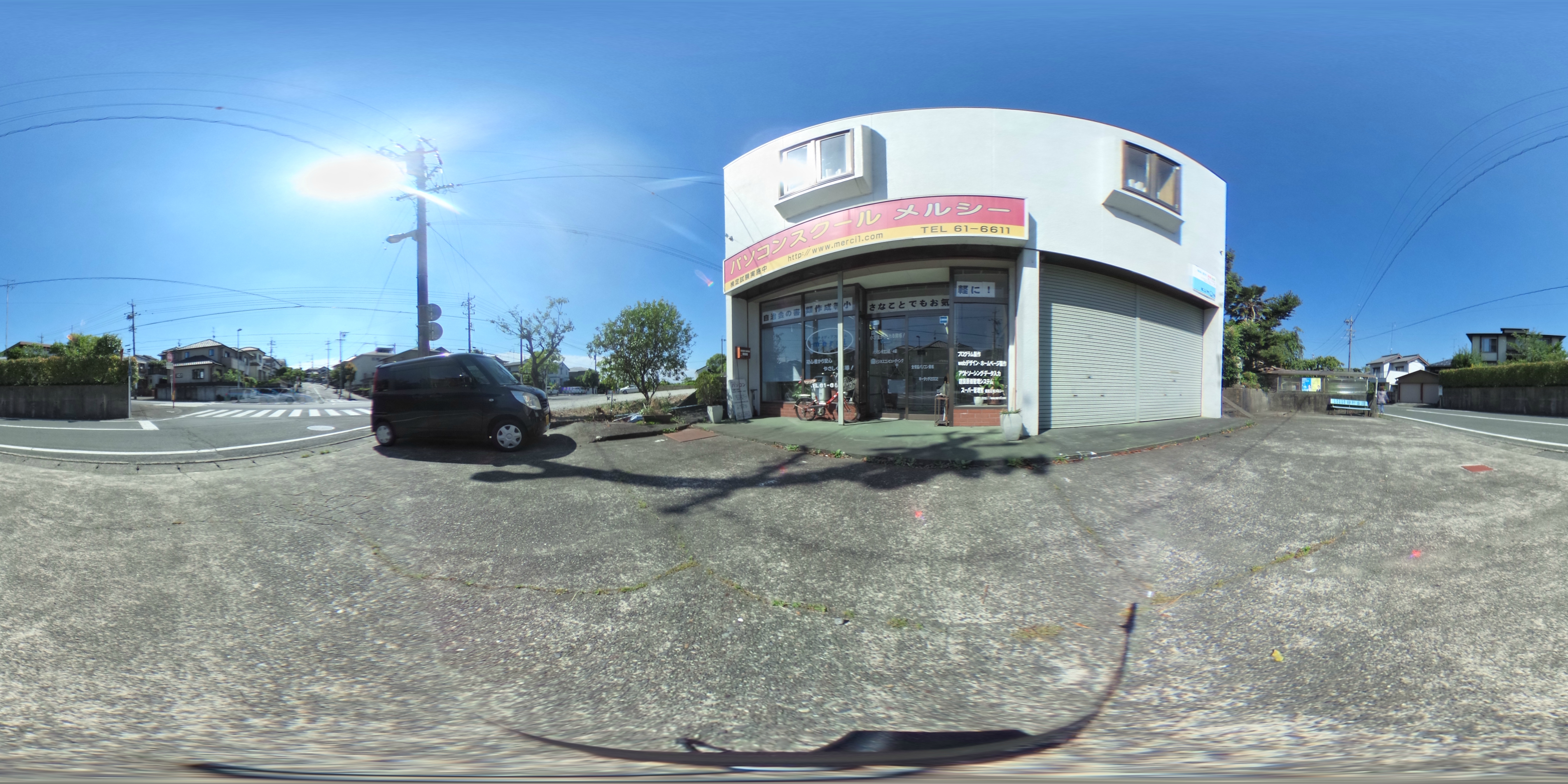
What a sense of vastness |д゚)
Since it's an ultra-wide-angle lens, the distortion is tremendous (´・ω・`)
Though this has its own charm...!
If you just post it as a regular image, it doesn't become the 360-degree rotatable photo from earlier...
I'll explain how to post them on a blog next time.
As for recommended uses:
・When you want to convey what your shop's interior is like in a single photo
・When you want to grab attention
・When you want to convey the atmosphere of a bustling event
・When you want to show a hard-to-find location
And there are plenty of others besides these.
Spinning the image around and suddenly finding a staff member making a funny face — that sounds fun too (^◇^)
Next time, I'd like to show you how to embed them in a blog while sharing many more 360-degree photos.


