










Trial bookings increase on a class or school website when it answers the questions parents and students care about, in the order they care about them. Make these five things visible from the very first screen: the monthly fee, the days and times of lessons, the teacher, how the trial works, and whether it is something they can keep up. Offer three ways to get in touch: a form, the phone, and LINE.
Trial bookings are decided the moment visitors find the monthly fee and the timetable
The first things people looking for a class check are the monthly fee and the days and times they could attend. If they cannot find these two things right where they land on your website, they move on to another school's page.
Piano lessons, English conversation, cram schools, dance, calligraphy, swimming: the type of lesson differs, but the way people search is the same. For young children's lessons, it is the parents who are searching. Parents check, in order, whether it suits their child, whether they can handle drop-off and pick-up, how much it will cost each month, and whether the teacher can be trusted. For adult classes, people check whether they can keep attending, whether they can make it after work, and whether the level is right for them.
In other words, a classroom website is not a place to park a brochure. It is a place to anticipate worries and answer them.
What to include, and the order to place it in
Arrange your content in the following order. The higher it appears, the sooner people want to know it.
- Who the class is for and what they can learn. Put the age, level and purpose into words. Describe the people you want to come, such as “from children just starting out” or “adults returning after a break.”
- Fees and costs. Put the monthly fee, enrollment fee, material costs and event costs such as recitals into a single table.
- Days and times. Show which slots have openings. Listing the full slots too keeps inquiries on target and saves the teacher time.
- Teacher profile. Include a photo, background, and how the teacher works with children and students.
- What a lesson is like. Include photos and an outline of a single session.
- Trial lesson details. State the price, how long it takes, what to bring, and how the day will go.
- Location. Directions from the station, whether car or bicycle parking is available, and a photo of the building entrance.
Set up the fee table so people can see the total cost at a glance.
| Item | Example of how to write it | Why include it |
|---|---|---|
| Monthly fee | How many sessions per month, and the price | The first thing comparison shoppers look for |
| Joining fee | Whether there is one, and how much | Prevents surprises after signing up |
| Materials and instrument costs | How much up front, and how much thereafter | Helps people grasp the overall cost |
| Event costs | Annual costs such as recitals | Gives people something to weigh when deciding to continue |
| Suspension and withdrawal rules | By when they need to let you know | Reassures people who worry about keeping it up |
Convey the teacher and the atmosphere of the classroom through photos
With lessons, how well a student gets on with the teacher determines whether they keep going. On a website, the teacher's face and words that convey their approach are what tip the balance. Rather than listing credentials, write in the teacher's own words about the kinds of students they have taught and what they value in their teaching.
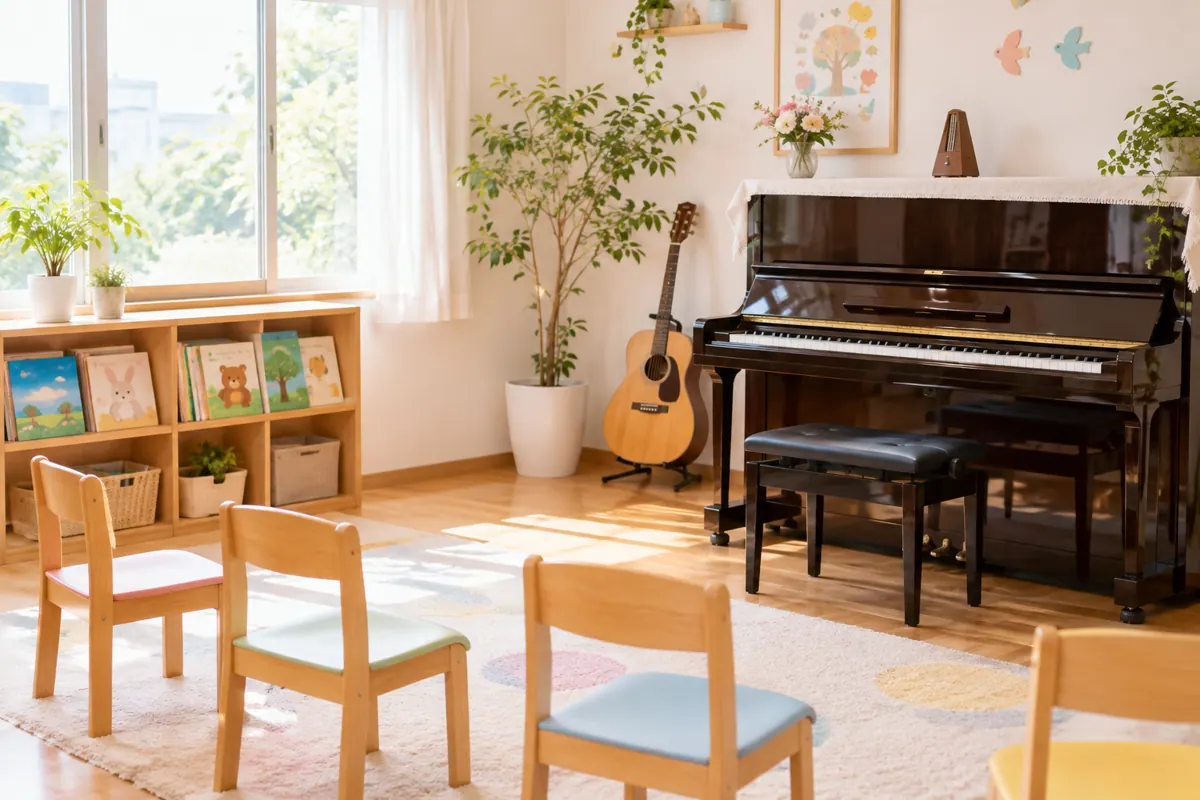
Prepare three kinds of photos: the teacher, the lesson room, and a lesson in progress. When showing students' faces, get written permission from their parents, and for families who prefer not to appear, retouch the image or use a shot from behind. Never skip this confirmation for photos of children.
If you list recital or competition results, state the year and details accurately. Achievements are powerful material, but exaggeration makes visitors doubt you.
Keep the trial booking form short and reply quickly
A trial booking form only needs about four fields: name, contact details, preferred days and times, and the child's age. Ask about experience and goals on the day of the trial. If there are too many fields, parents give up partway through.
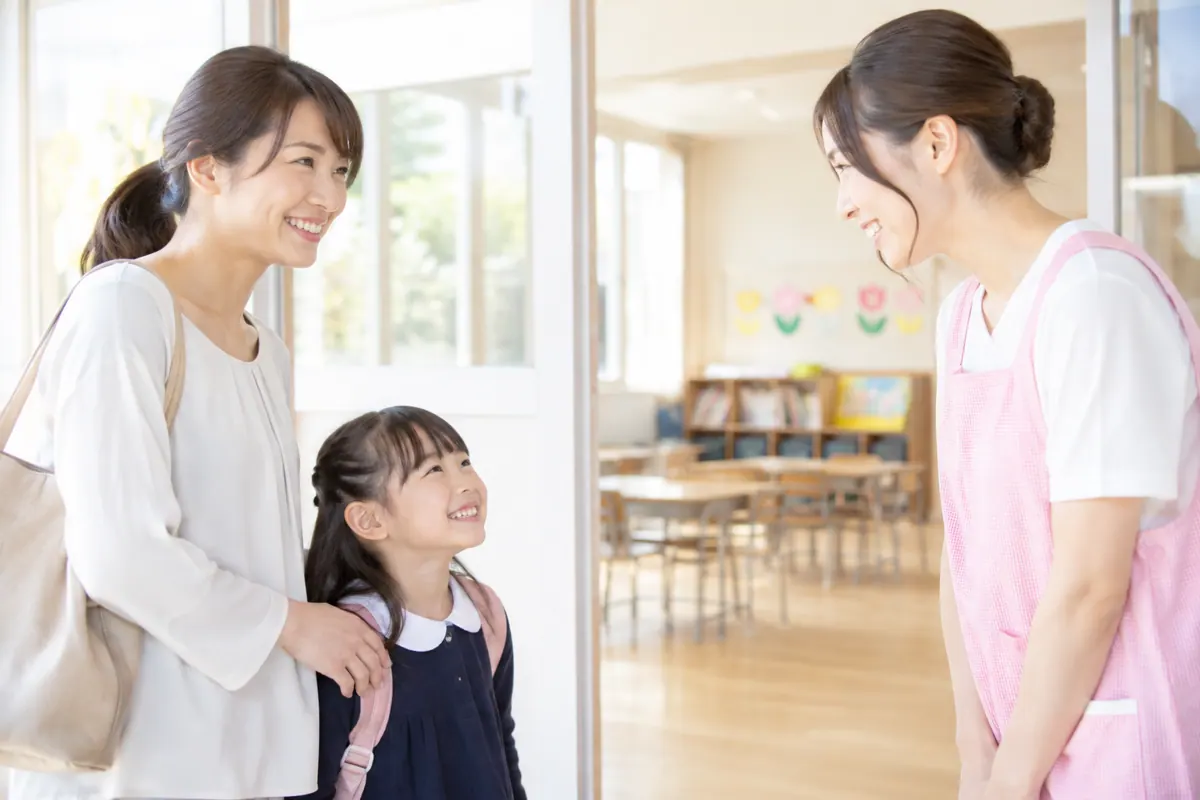
List three ways to apply side by side: form, phone and LINE. Parents looking for lessons often search on their phone in the gaps between caring for their children, so being able to ask a quick question on LINE makes it easier for them to go ahead and book.
How fast you reply also affects results. A school that replies within half a day of the booking leaves a very different impression from one that replies two days later. If replies tend to be slow, use an automatic reply right after the booking to tell people when they will hear from you next.
Make enrollment availability easy to update
On a classroom website, enrollment availability changes. A slot opens up, a new class starts, summer courses begin. When this information is left out of date, it causes trouble for the people who get in touch.
To make updating easy, build the site as follows.
- Put enrollment availability in its own small section so the teacher can rewrite it immediately.
- List news items newest first, and always include the date.
- Set up fees and timetables so that editing one place in the table updates everything.
- Review the photos and the teacher's words once a year.
If every update requires a request to the web company, the enrollment status will always be out of date. Make how easy it is to request changes one of your criteria when choosing a web company.
Common mistakes on classroom websites
The monthly fee is missing
If you write “please contact us,” people who want to know the price move on to another school. If there is a reason you cannot publish everything, at least publish the basic price.
The school's selling points could describe any school
“Learning is fun” and “we tailor lessons to each student” are things every school says. Write specifically what you teach, how you teach it, and how that differs from other schools.
No map or bicycle parking information
Location has a big influence on whether someone can attend. Include a photo of the entrance, where the bicycle parking is, and nearby landmarks.
Recital photos are out of date
The people who want to see what things are like now are the ones about to join. Replace the photos with new ones every year.
What to check when hiring a web design company
When commissioning a classroom website, confirm these three points at the quotation stage.
- Whether the teacher can rewrite enrollment availability and news items themselves, or whether updates can be made through a simple request.
- Whether building the trial booking form is included.
- Whether checking how the site looks on a smartphone is included.
We offer a choice between AI-led site-factory (from 30,000 yen setup and from 7,000 yen per month, excluding tax) and creator-led custom production (from 250,000 yen setup and from 3,000 yen per month). For a school run by a single teacher, site-factory, which lets you start quickly and affordably, is often a good fit.
Change what you emphasize according to the type of lesson
What people value most differs by the type of school. Adjust what your website emphasizes to match the type.
| Type of school | What people value | What to emphasize |
|---|---|---|
| Piano and music | Rapport with the teacher, ease of keeping it up | The teacher's personality, how lessons are run, whether there are recitals |
| English conversation and languages | Whether it fits their goal, the path to improvement | Courses by goal, how levels are assessed, make-up lesson rules |
| Cram school | How it affects grades, ease of attending | Teaching policy, how often meetings are held, class time slots |
| Dance and sports | Atmosphere, classmates of a similar age | The age range of the class, whether observation is allowed, what to wear |
| Calligraphy and painting | Freedom in creating work | What is taught, exhibitions of work, cost of materials |
Whatever the type, one worry is shared by all: whether they can keep going. Put make-up lessons for missed classes, payment methods for fees, and withdrawal rules somewhere easy to find.
Helping people decide to enroll after the trial lesson
Whether someone who comes for a trial decides to enroll depends on how you handle the day itself and the information you give afterwards. Describing what happens after the trial on your website can give hesitant people the push they need.
- State that you will not pressure anyone to enroll after the trial. Telling people they can take their time to decide puts them at ease.
- Show the enrollment steps as a numbered list: submitting the application form, paying the first monthly fee, and deciding the start date for lessons.
- List what to bring. Instruments, materials, indoor shoes, notebooks and so on differ by type of lesson.
If the enrollment procedure is hard to follow, people will stall at that point even if they loved the trial.
Five things to check through a parent's eyes before launch
Before launching, put yourself in a parent's shoes and check the following.
- Can the fee table be found in two taps from the first screen?
- Is the trial booking button large enough to tap easily on a smartphone?
- Can the teacher's face and words be seen together without scrolling?
- Is information about drop-off and parking given along with a map?
- If you actually submit the booking form, does the automatic reply arrive?
If even one of these fails, start your fixes there.
FAQ
Yes. Parents and students almost always search and check before choosing a school. Even with only a few pages, a site does its job as long as it covers four things: fees, timetable, the teacher, and trial lesson details.
Social media is good for sharing day-to-day happenings. Information that should always be easy to find, such as fees and timetables, is best gathered on a website, which keeps inquiries steady.
Making them free tends to increase bookings, but it also uses up the teacher's time. Some schools charge for trials and make them more substantial. Either way, what matters is stating the price and the content on your website.
Written permission from parents is the basic rule. For families who do not want faces shown, use photos from behind or of hands only. Do not include information that reveals names or schools.
Let's build a classroom website together that brings in more trial bookings
What makes a school special comes through in the teacher's words and the atmosphere of the classroom. From identifying your strengths to designing the path to a trial booking, we start by listening to you.